Disclosure: As an Amazon Associate I earn from qualifying purchases. This site contains affiliate links.

Best AI Image Generators in 2026: Midjourney, DALL-E, Flux & More

Local LLMs on NVIDIA Spark / ASUS GX10
Best AI Image Generators in 2026: Midjourney, DALL-E, Flux & More
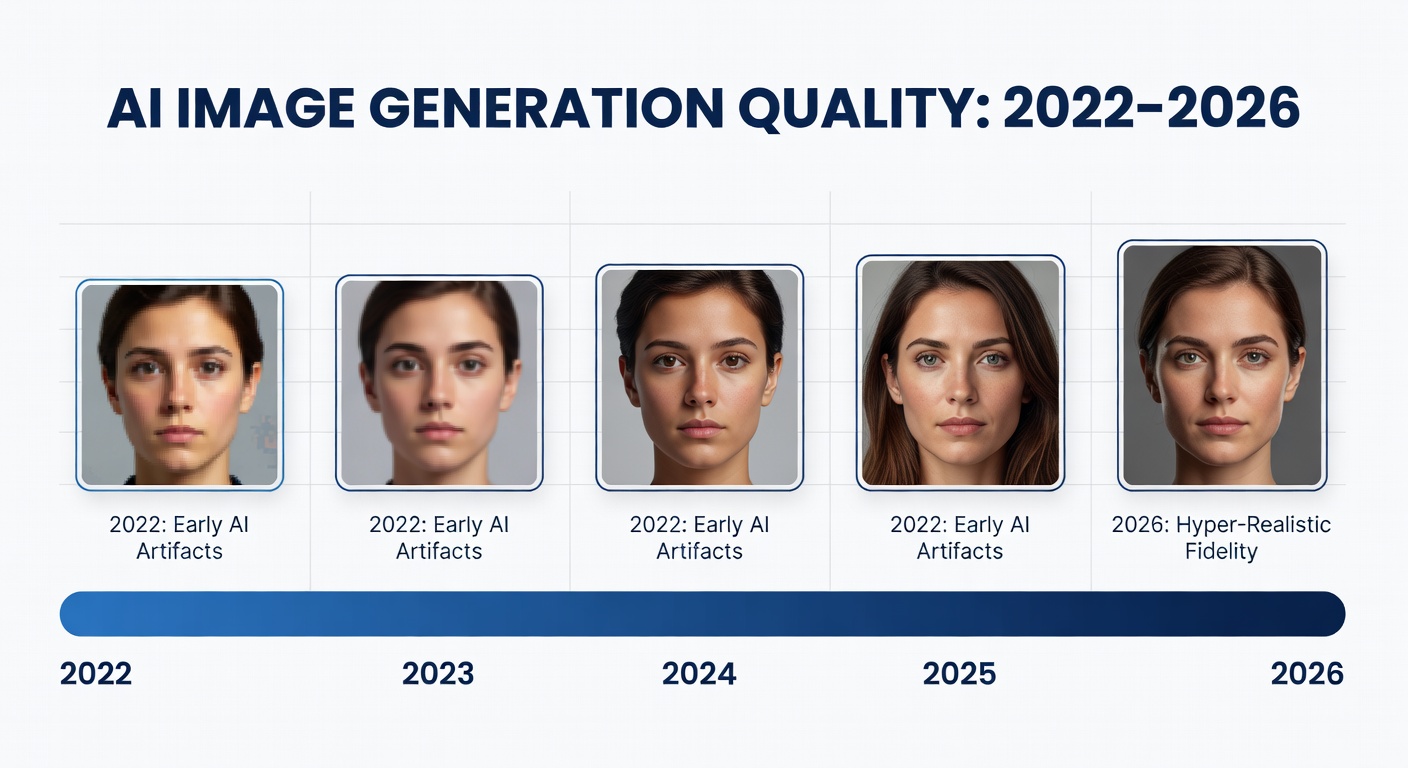
The AI image generation space has matured dramatically since the early days of blurry faces and mangled hands. In February 2026, we have tools that produce photorealistic renders, stunning concept art, and commercial-grade illustrations in seconds. The question is no longer "can AI make good images?" -- it's "which tool makes the best images for your use case?"
I've been testing every major text-to-image model for the past several months, running identical prompts across all platforms, comparing output quality, consistency, and usability. Here's what I found.
Why AI Image Generation Matters in 2026
The numbers tell the story. The AI image generation market crossed $2 billion in 2025 and is projected to more than double by 2028. Over 15 million people now use these tools monthly, and it's not just hobbyists -- marketing teams, game studios, architects, and e-commerce brands have baked AI-generated visuals into their production pipelines.
What changed? Three things:
- Quality crossed the uncanny valley. Midjourney v7 and DALL-E 4 produce images that are genuinely indistinguishable from professional photography and illustration in many contexts.
- Commercial licensing got clearer. Most platforms now offer explicit commercial use rights on paid plans, removing the legal gray area that held back enterprise adoption.
- Speed and control improved. Inpainting, outpainting, style references, and precise compositional control mean you're not just rolling dice on random outputs anymore.
Top 6 AI Image Generators in 2026
1. Midjourney v7
The creative standard. Midjourney has consistently delivered the most aesthetically pleasing outputs, and v7 is their best release yet. The jump from v6.1 to v7 brought better coherence in complex scenes, dramatically improved text rendering, and a level of artistic nuance that other tools still struggle to match.
What sets it apart: Midjourney's outputs have a certain quality -- a richness in lighting, color grading, and composition -- that makes them immediately recognizable. The new personalization model learns your aesthetic preferences over time, and the web editor has finally freed users from the Discord-only workflow.
Best for: Creative professionals, marketing teams, concept artists, and anyone who prioritizes aesthetic quality above all else.
Pricing:
- Basic: $10/month (3.3 hours fast GPU time)
- Standard: $30/month (15 hours fast GPU time)
- Pro: $60/month (30 hours fast + stealth mode)
- Mega: $120/month (60 hours fast GPU time)
Sample prompt: "A solitary lighthouse on a volcanic cliff at golden hour, bioluminescent tide pools in the foreground, cinematic drone photography, 8K"
2. DALL-E 4 (OpenAI)
The text-and-detail champion. DALL-E 4, integrated into ChatGPT and available through the API, has made massive strides in prompt adherence. Where earlier versions would ignore half your instructions, DALL-E 4 follows complex prompts with remarkable precision -- including accurate text rendering, specific spatial relationships, and detailed compositional requests.
What sets it apart: The tight ChatGPT integration means you can have a conversation about your image, iterating on details through natural language. The editing capabilities are excellent -- you can select regions and ask for specific changes without regenerating the entire image.
Best for: Users who need precise control, text in images, infographics, and anyone already in the OpenAI ecosystem.
Pricing:
- Included with ChatGPT Plus ($20/month)
- ChatGPT Pro ($200/month) for higher rate limits
- API: $0.04-$0.12 per image depending on resolution
3. Stable Diffusion 4 (Stability AI)
The open-source powerhouse. Stable Diffusion remains the go-to for developers, researchers, and anyone who wants full control over their image generation pipeline. SD4, released in late 2025, brought a new transformer-based architecture that closes the quality gap with proprietary models while maintaining the flexibility that made the platform famous.
What sets it apart: You can run it locally. No API calls, no monthly fees, no content restrictions beyond what you configure yourself. The ecosystem of LoRAs, ControlNets, and custom checkpoints is unmatched. For commercial applications where you need to fine-tune on proprietary data, nothing else comes close.
Best for: Developers, technical users, privacy-conscious creators, and anyone building AI image generation into their own products.
Pricing:
- Open source (free to run locally)
- Stability AI API: Pay-per-image pricing
- GPU costs: $0.50-$2/hour on cloud providers
- Recommended: a local GPU with 12GB+ VRAM
4. Flux (by Black Forest Labs)
The quality-per-dollar king. Flux exploded onto the scene and quickly became the model of choice for users who want Midjourney-tier quality with more flexibility. Available through multiple platforms and as an open-weight model, Flux 1.1 Pro delivers stunning photorealism and artistic versatility.
What sets it apart: Flux combines the accessibility of a hosted API with the flexibility of open weights. The Pro model rivals Midjourney on photorealism while offering better programmatic control. The community has embraced it for fine-tuning, and the LoRA ecosystem is growing rapidly.
Best for: Developers building image features into products, creators who want high quality without platform lock-in.
Pricing:
- Flux Schnell: Free (open source, fast but lower quality)
- Flux Pro: $0.05-$0.06 per image via API
- Available on Replicate, fal.ai, and other platforms
5. Ideogram 3
The typography and design specialist. Ideogram carved out its niche by being the first AI image generator to handle text in images reliably, and v3 extends that lead. Beyond text, it's become a genuinely versatile tool for design-oriented work -- logos, posters, packaging, social media graphics.
What sets it apart: Text rendering accuracy is still the headline feature. Ideogram 3 can place readable, stylized text in images with a consistency that other tools can only approach. The new design templates and brand kit features make it a practical tool for marketing teams.
Best for: Social media managers, graphic designers, marketers who need text-heavy visuals, and anyone making logos or branded content.
Pricing:
- Free tier: 10 images/day
- Basic: $8/month (400 images)
- Plus: $20/month (1,000 images + priority)
- Pro: $48/month (3,000 images + private mode)
6. Google Imagen 3
The photorealism benchmark. Google's Imagen 3, available through Gemini and the Vertex AI API, produces some of the most photorealistic outputs available. It's particularly strong with natural scenes, people, and product photography -- areas where other tools sometimes fall into an uncanny valley.
What sets it apart: Google's training data and computational resources give Imagen an edge in photorealism. The integration with Gemini means you get multimodal AI that can reason about images, describe them, and generate variations. The Vertex AI API makes it enterprise-ready with SOC 2 compliance and data governance.
Best for: Enterprise teams, e-commerce product imagery, photorealistic marketing assets, and Google Cloud users.
Pricing:
- Included with Gemini Advanced ($20/month)
- Vertex AI API: $0.02-$0.06 per image
- Enterprise pricing available
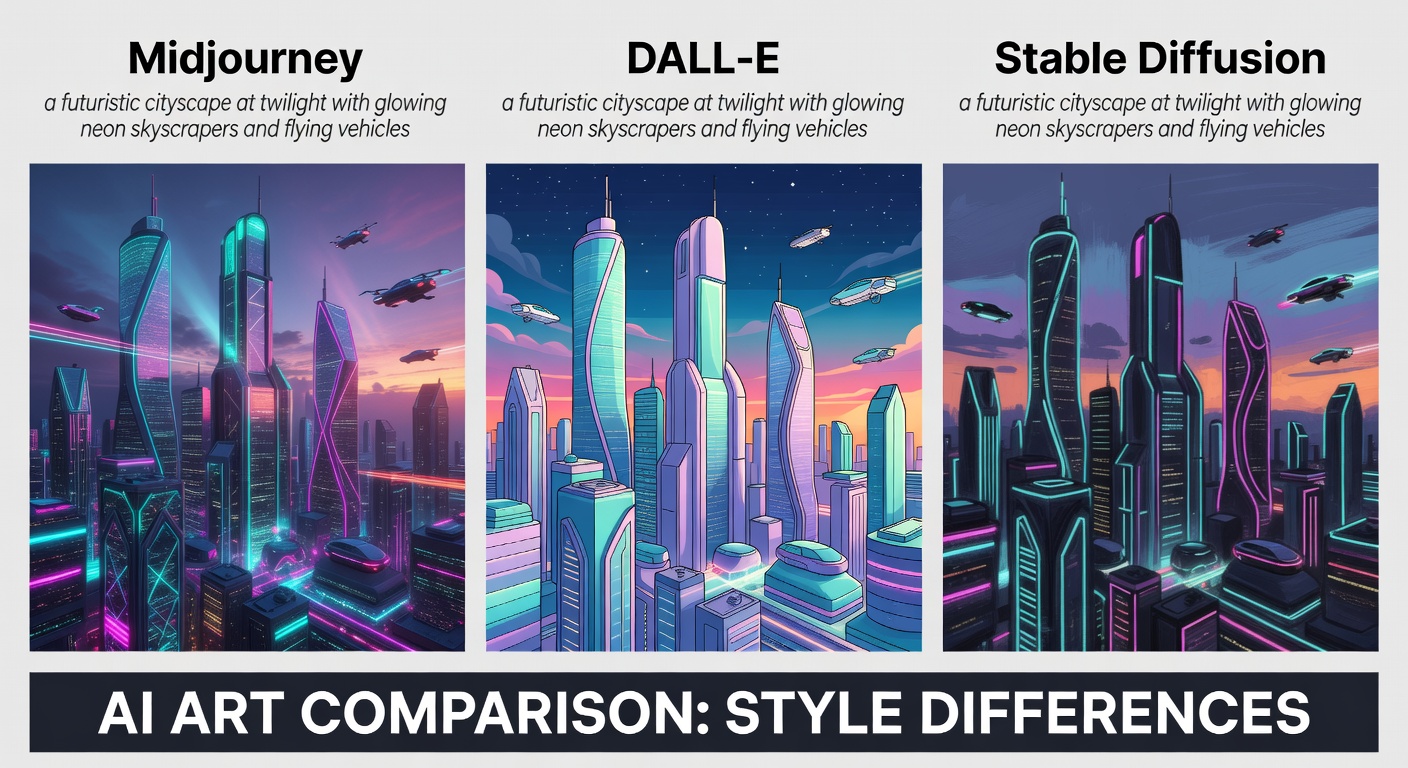
Head-to-Head Comparison
| Feature | Midjourney v7 | DALL-E 4 | Stable Diffusion 4 | Flux Pro | Ideogram 3 | Imagen 3 |
|---|---|---|---|---|---|---|
| Image Quality | Excellent | Excellent | Very Good | Excellent | Very Good | Excellent |
| Photorealism | Excellent | Very Good | Good | Excellent | Good | Excellent |
| Text in Images | Good | Very Good | Fair | Good | Excellent | Good |
| Prompt Adherence | Good | Excellent | Very Good | Very Good | Good | Very Good |
| Speed | Fast | Fast | Varies (local) | Very Fast | Fast | Fast |
| Commercial Rights | Yes (paid) | Yes (paid) | Yes (open) | Yes | Yes (paid) | Yes (paid) |
| API Access | Yes | Yes | Yes | Yes | Yes | Yes |
| Run Locally | No | No | Yes | Yes (open) | No | No |
| Starting Price | $10/mo | $20/mo | Free | $0.05/img | Free tier | $20/mo |
| Best For | Art & creativity | Precision & text | Customization | Quality + API | Design & logos | Photorealism |
Best Prompting Tips for AI Image Generators
After generating thousands of images across these platforms, here are the prompt strategies that consistently produce better results:
1. Be specific about lighting and camera. Instead of "a portrait," try "a portrait shot on a 85mm lens, f/1.4, soft window light from the left, shallow depth of field." Technical photography terms translate directly into visual quality.
2. Reference art styles, not artists. Most platforms have moved away from mimicking specific living artists. Instead, reference movements: "art nouveau illustration," "brutalist architecture photography," "Dutch Golden Age still life lighting."
3. Use negative prompts wisely. On platforms that support them (Stable Diffusion, Flux), negative prompts are powerful. "No text, no watermark, no blurry backgrounds" can clean up outputs significantly.
4. Iterate through conversation. On DALL-E 4 and Imagen 3, use the chat interface to refine. Start broad, then narrow: "Make the sky more dramatic," "Move the subject to the left third," "Change the color palette to warmer tones."
For a deeper dive into crafting effective prompts, check out the book Prompt Engineering for Generative AI -- it covers image generation prompts alongside text-based techniques and has become my go-to reference.
How to Choose the Right AI Image Generator
Here's my decision framework:
Pick Midjourney if: You want the most beautiful images possible and are willing to pay for consistent quality. Ideal for portfolios, marketing campaigns, and concept art.
Pick DALL-E 4 if: You need precise prompt adherence, text in images, or iterative editing through conversation. The ChatGPT integration makes it the most accessible option.
Pick Stable Diffusion 4 if: You want full control -- local inference, custom models, no content restrictions, and the ability to fine-tune on your own data.
Pick Flux if: You want top-tier quality with API flexibility. Best for developers building image generation into products.
Pick Ideogram 3 if: Your images need text -- social media graphics, logos, posters, or any design-heavy work.
Pick Imagen 3 if: Photorealism is your priority, especially for product photography, real estate, or enterprise applications on Google Cloud.
Hardware for AI Image Work
If you're doing serious work with AI images -- running Stable Diffusion locally, managing large asset libraries, or color-grading outputs -- hardware matters.
A color-accurate monitor like the ASUS ProArt PA279CRV makes a real difference when evaluating image quality. You'll catch artifacts, color banding, and composition issues that a laptop screen will hide. And if you're building a library of generated assets, a fast Samsung T7 Portable SSD keeps everything accessible without clogging your main drive.

The Commercial Rights Question
One of the biggest concerns in 2026 is still: can I use AI-generated images commercially? The answer, in most cases, is yes -- but the details matter.
- Midjourney: Commercial use allowed on all paid plans. General commercial terms apply.
- DALL-E 4: Full commercial rights on paid plans. OpenAI provides broad usage rights.
- Stable Diffusion 4: Open source under permissive license. You own what you generate.
- Flux Pro: Commercial use allowed via API.
- Ideogram: Commercial use on paid plans.
- Imagen 3: Commercial use via Vertex AI with enterprise terms.
The legal landscape is still evolving. Multiple lawsuits against AI companies are working through the courts, and regulations vary by jurisdiction. If you're using AI images for anything high-stakes, consult a lawyer -- don't take blog advice (including mine) as legal counsel.
For more on how AI is reshaping creative workflows, check out my guide to AI prompt engineering and the best AI video generators if you're ready to move beyond still images.
FAQs
Which AI image generator produces the best quality in 2026?
For pure aesthetic quality, Midjourney v7 remains the leader. For photorealism, Google Imagen 3 and Flux Pro are neck-and-neck. For text accuracy, Ideogram 3 is unmatched. "Best" depends entirely on your use case.
Can I use AI-generated images for commercial projects?
Yes, on paid plans. All major platforms grant commercial usage rights to paying subscribers. However, copyright law around AI-generated content is still being established, so high-stakes commercial use should involve legal review.
What's the best free AI image generator?
Ideogram's free tier (10 images/day) offers the best quality at zero cost. Stable Diffusion is completely free if you have the hardware to run it locally. DALL-E provides limited free generations through ChatGPT's free tier.
The Bottom Line
AI image generation in 2026 is a mature, competitive market with no single winner. Midjourney owns the creative quality crown, DALL-E 4 leads in precision and accessibility, Stable Diffusion offers unmatched flexibility, Flux delivers the best API experience, Ideogram dominates text-heavy design, and Imagen 3 sets the bar for photorealism.
My recommendation: start with whatever platform aligns with your primary use case, then expand. Most professionals I know use two or three generators depending on the project. The tools are different enough that switching between them isn't redundant -- it's strategic.
What's your go-to AI image generator? Have you tried Flux yet, or are you loyal to Midjourney? Let me know on X (@wikiwayne) -- I'm always curious to see what's working for other creators.
Recommended Gear
These are products I personally recommend. Click to view on Amazon.
ASUS ProArt PA279CRV 27" 4K — Great pick for anyone following this guide.
 LG 27UN850-W 4K UHD — Great pick for anyone following this guide.
 Samsung T7 Portable SSD 1TB — Great pick for anyone following this guide.
Samsung T7 Shield SSD 1TB — Great pick for anyone following this guide.
 Prompt Engineering for Generative AI — Great pick for anyone following this guide.
 AI Engineering by Chip Huyen — Great pick for anyone following this guide.
This article contains affiliate links. As an Amazon Associate I earn from qualifying purchases. See our full disclosure.
Affiliate Disclosure: As an Amazon Associate I earn from qualifying purchases. This site contains affiliate links.