Disclosure: As an Amazon Associate I earn from qualifying purchases. This site contains affiliate links.

Best AI Tools for Social Media Marketing in 2026

Local LLMs on NVIDIA Spark / ASUS GX10
Best AI Tools for Social Media Marketing in 2026
Social media marketing in 2026 demands more content across more platforms than ever before. X, LinkedIn, Instagram, TikTok, YouTube, Threads -- each platform wants native content tailored to its format and audience. Keeping up manually is not sustainable.
That is where AI tools come in. Not to replace your social media strategy, but to multiply your output, improve your content quality, and free you from the repetitive tasks that eat your day.
I have been testing AI social media tools extensively, and this guide covers the ones that actually deliver value. No gimmicks, no tools that just slap "AI" on basic scheduling. These are platforms where AI meaningfully improves your workflow.
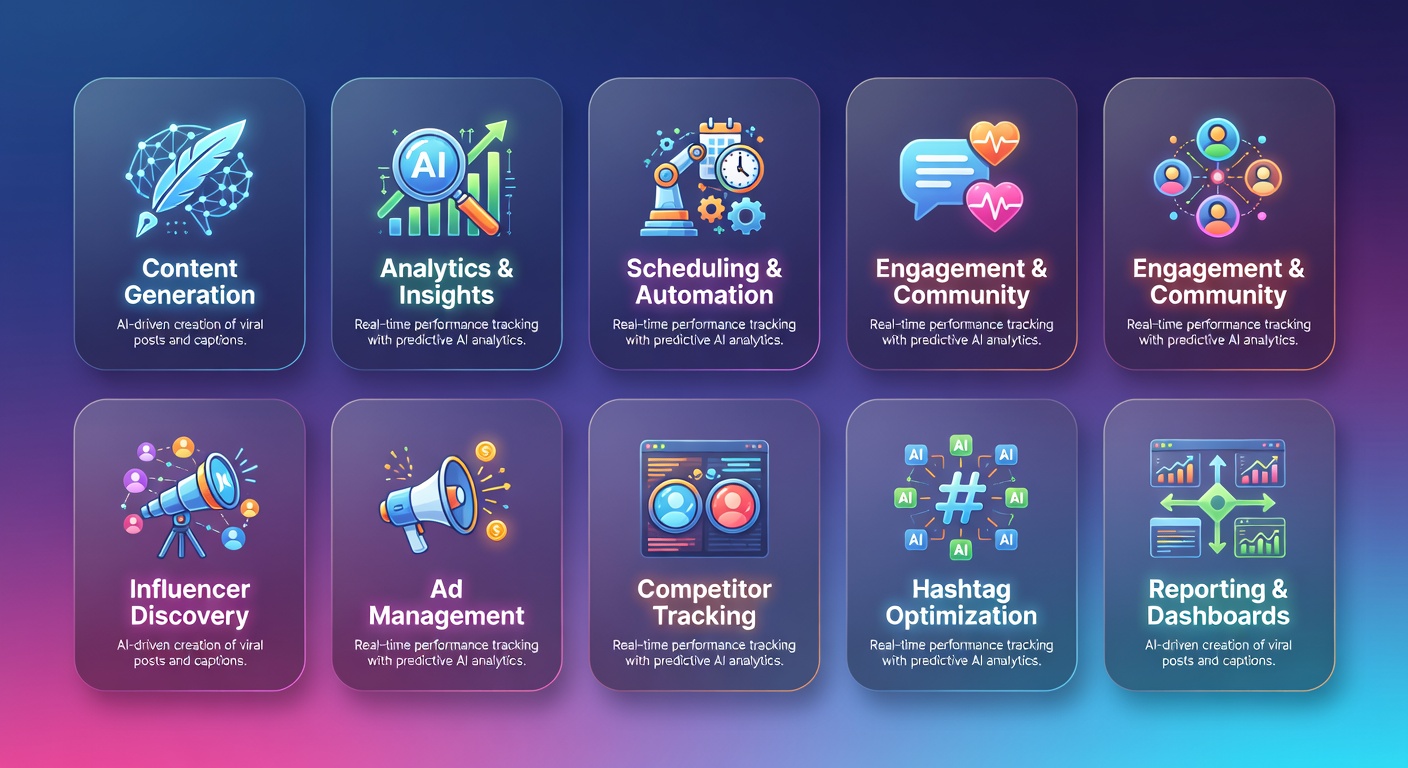
The AI Social Media Tool Categories
Social media AI tools fall into four categories, and the best strategies use tools from each:
- Management and scheduling -- planning, scheduling, and publishing across platforms
- Content creation -- generating text, images, and video
- Video and audio -- editing, repurposing, and creating video content
- Analytics and insights -- understanding what works and why
Management and Scheduling Tools
Buffer AI
Buffer has always been known for simplicity, and their AI features maintain that philosophy. Buffer's AI assistant helps you create, repurpose, and optimize social media posts without leaving the scheduling interface.
AI Features:
- AI-powered post generation from prompts or existing content
- Repurpose long-form content into social posts automatically
- Tone and style customization per brand or platform
- Optimal posting time suggestions based on audience activity
- Hashtag recommendations
What stands out: Buffer's strength is making AI feel natural within the workflow. You are not switching between tools. The AI suggestions appear inline as you write and schedule, which makes adoption easy for teams.
Pricing: Free plan for 3 channels. Essentials at $6/channel/month. Team plan at $12/channel/month.
Best for: Solopreneurs, small teams, agencies managing multiple brands.
Hootsuite with OwlyWriter AI
Hootsuite's OwlyWriter AI is one of the more powerful content generation features in the scheduling tool category. It goes beyond simple post generation to include trend-based content ideas and performance-optimized copy.
AI Features:
- OwlyWriter AI generates posts from scratch or from URLs
- Trending topic suggestions relevant to your industry
- Post performance predictions before publishing
- AI-enhanced social listening and sentiment analysis
- Automated report generation
- Canva integration for visual content creation
What stands out: The social listening capabilities combined with AI give Hootsuite an edge for brands that need to monitor conversations and react quickly. The trend detection is particularly useful for timely content.
Pricing: Professional at $99/month for 10 social accounts. Team at $249/month. Enterprise is custom.
Best for: Mid-size businesses, teams needing social listening, agencies managing multiple accounts.
Sprout Social
Sprout Social is the enterprise choice for social media management, and their AI features reflect that positioning. Deep analytics, employee advocacy, and sophisticated publishing workflows set it apart.
AI Features:
- AI Assist for generating and editing post copy
- Optimal send times powered by audience behavior analysis
- AI-enhanced social listening with sentiment analysis
- Automated tagging and categorization of inbound messages
- AI-powered reporting with narrative summaries
- Competitor benchmarking with AI insights
What stands out: Sprout's analytics and reporting are the best in class. The AI does not just show you numbers -- it tells you what they mean and what to do next.
Pricing: Standard at $199/seat/month. Professional at $299/seat/month. Advanced at $399/seat/month.
Best for: Enterprise companies, larger marketing teams, brands where social analytics drive strategy.
Content Creation Tools
Canva Magic Studio
Canva has transformed from a simple design tool into an AI-powered creative suite. Magic Studio brings AI into every aspect of visual content creation.
AI Features:
- Magic Design generates complete designs from text prompts
- Magic Write creates copy for social posts, captions, and ads
- Magic Eraser removes unwanted elements from images
- Magic Expand extends image backgrounds
- Magic Animate adds motion to static designs
- Text to Image generation
- Brand Kit AI ensures consistency across all content
What stands out: Canva's AI features are accessible to non-designers, which is exactly what social media managers need. You can go from idea to publish-ready visual in minutes. The Brand Kit AI ensures everything stays on-brand even when multiple team members create content.
Pricing: Free plan with limited AI features. Canva Pro at $15/month with full Magic Studio access. Canva for Teams at $10/person/month (minimum 3).
Best for: Everyone. Canva is the most versatile visual creation tool for social media, suitable from solopreneurs to enterprise teams.

ChatGPT and Claude for Content Writing
General-purpose AI assistants remain the most flexible tools for social media copywriting. Using them effectively requires good prompting skills.
Best uses for social media:
- Drafting post copy in multiple variations
- Repurposing blog content into platform-specific formats
- Generating content calendars and themes
- Writing ad copy and CTAs
- Creating thread ideas for X and LinkedIn
For getting the most out of these tools, Prompt Engineering for Generative AI is the definitive guide to writing prompts that produce publish-ready content.
Our Claude vs ChatGPT comparison can help you decide which AI assistant suits your content creation workflow.
Video and Audio Tools
Opus Clip
Opus Clip has become the go-to tool for repurposing long-form video into short-form clips. Upload a podcast, webinar, or YouTube video, and Opus Clip uses AI to identify the most engaging moments and create ready-to-post shorts.
AI Features:
- AI identifies viral-worthy moments from long videos
- Automatic reframing for vertical format (9:16)
- Dynamic captions with customizable styles
- AI-generated titles and descriptions
- Virality scoring that predicts clip performance
- Batch processing for multiple clips from one video
What stands out: The virality prediction scoring is surprisingly accurate. Opus Clip analyzes pacing, topic engagement potential, and emotional hooks to rank clips by their likely performance.
Pricing: Free plan with limited processing. Starter at $15/month. Pro at $29/month with unlimited processing.
Best for: Podcasters, YouTubers, webinar hosts, anyone repurposing long-form video content.
Descript
Descript treats video and audio editing like document editing -- you edit the transcript, and the media follows. This AI-powered approach makes video editing accessible to people who have never touched premiere-level software.
AI Features:
- Text-based video and audio editing
- AI voice cloning for corrections and overdubs
- Automatic transcription with high accuracy
- Eye Contact AI (adjusts eye gaze to look at camera)
- Green Screen AI (removes background without green screen)
- Filler word removal (um, uh, like, you know)
- Studio Sound (enhances audio quality with AI)
What stands out: The text-based editing paradigm is genuinely revolutionary for social media content. Delete a word from the transcript, and it is removed from the video. This makes editing video as fast as editing a document.
Pricing: Free plan with limited features. Hobbyist at $24/month. Pro at $33/month.
Best for: Content creators, social media managers creating video content, podcasters, anyone who finds traditional video editing too complex or time-consuming.
Analytics and Insights Tools
Brandwatch (Social Listening)
Brandwatch uses AI to monitor social conversations at scale, identifying trends, sentiment shifts, and competitive intelligence.
AI Features:
- AI-powered sentiment analysis across millions of posts
- Trend detection and emerging topic identification
- Competitive benchmarking with AI insights
- Influencer identification and scoring
- Crisis detection and alerts
- Image recognition in social posts
Best for: Enterprise brands, PR teams, agencies managing reputation.
Native Platform Analytics + AI Interpretation
Each social platform now includes AI-enhanced analytics. The most practical approach is using an AI assistant (ChatGPT or Claude) to interpret your native analytics:
- Export analytics data from each platform
- Feed it to an AI assistant with specific questions
- Get actionable insights without expensive third-party tools
This approach works particularly well for small teams that cannot justify enterprise analytics pricing.
Building an AI Social Media Workflow
Here is the workflow I recommend for maximizing output while maintaining quality:
Weekly Content Planning (30 minutes)
- Review last week's performance using analytics
- Use AI to generate content themes and ideas for the week
- Map ideas to platforms and formats
- Schedule creation and publishing windows
Daily Content Creation (60-90 minutes)
- Write: Use AI to draft post copy, then edit for voice and accuracy
- Design: Use Canva Magic Studio for visuals
- Video: Use Opus Clip or Descript for video content from existing assets
- Schedule: Queue everything in Buffer or Hootsuite
Content Repurposing (Weekly)
Turn one piece of content into many:
- Blog post → 5-8 social posts, 1 thread, 1 carousel
- YouTube video → 3-5 short clips, 5-8 social posts
- Podcast episode → 3-5 video clips, quote graphics, thread
- Webinar → Highlight reel, key takeaway posts, recap thread
This is where AI tools save the most time. Repurposing manually takes hours. With AI, it takes minutes.

Platform-Specific AI Tips
X (Twitter)
- Use AI to generate thread ideas from blog posts
- Test multiple hook variations for the first tweet
- AI can help identify optimal posting times based on your audience
- AI excels at repurposing blog content into LinkedIn articles and posts
- Use AI to maintain a professional tone while keeping content engaging
- Generate comment ideas for engagement strategy
- Canva Magic Studio for visual content creation
- AI caption writing with emoji and hashtag suggestions
- Opus Clip for Reels from longer video content
TikTok
- AI-powered video editing with Descript or Opus Clip
- Trend identification with social listening tools
- Caption generation optimized for TikTok's algorithm
YouTube Shorts
- Opus Clip for automated clip extraction
- AI-optimized titles and descriptions
- Thumbnail generation with Canva AI
For a deeper dive into YouTube-specific optimization, check our YouTube SEO guide.
Measuring Social Media ROI with AI
The perennial challenge of social media marketing is proving ROI. AI helps by connecting the dots between social activity and business outcomes:
- Attribution modeling: AI tools can track the path from social engagement to website visit to conversion
- Predictive modeling: Forecast the impact of different posting strategies before executing
- Sentiment tracking: Monitor brand perception changes over time
- Competitive intelligence: Benchmark your performance against competitors automatically
For tracking social media traffic and conversions effectively, see our Google Analytics 4 guide. And if you want to make sure your social media efforts are reinforced by a strong organic search foundation, Scale by SEO helps businesses align their SEO and social strategies for maximum visibility.
My Recommended Tool Stack
For most small to mid-size businesses, here is the tool combination I recommend:
| Need | Tool | Monthly Cost |
|---|---|---|
| Scheduling | Buffer | $6-12/channel |
| Visual Design | Canva Pro | $15 |
| Video Clips | Opus Clip | $15-29 |
| Video Editing | Descript | $24-33 |
| AI Writing | Claude or ChatGPT | $20 |
| Total | ~$80-110/month |
That is a complete AI-powered social media toolkit for under $120/month. For a team doing this manually, you would need significantly more time and likely more expensive tools.
Having the right physical setup also matters for productivity. Sony WH-1000XM5 headphones are my recommendation for social media managers who need to review video content and focus in noisy environments.
What to Expect in the Rest of 2026
The trajectory is clear: AI will handle more of the repetitive creation and scheduling work while humans focus on strategy, community building, and authentic engagement. Watch for:
- AI-generated video becoming indistinguishable from human-created content
- Real-time content optimization that adjusts posts after publishing based on early engagement
- Cross-platform AI orchestration that manages content holistically
- AI community management that handles routine interactions authentically
Start Here
Do not try to adopt every tool at once. Start with one category where you feel the most pain:
- Spending too much time writing? Start with an AI writing assistant
- Visual content is your bottleneck? Start with Canva Magic Studio
- Video repurposing takes forever? Start with Opus Clip
- Scheduling is chaos? Start with Buffer
Add tools as your workflow matures. The goal is efficiency, not complexity.
What AI social media tools are you using? Share your favorites on X (@wikiwayne) -- I am always looking for new tools to test.
Recommended Gear
These are products I personally recommend. Click to view on Amazon.
Prompt Engineering for Generative AI — Great pick for anyone following this guide.
AI Engineering by Chip Huyen — Great pick for anyone following this guide.
Prompt Engineering for LLMs — Great pick for anyone following this guide.
 Logitech MX Keys S Wireless — Great pick for anyone following this guide.
 ASUS ProArt PA279CRV 27" 4K — Great pick for anyone following this guide.
 Sony WH-1000XM5 — Great pick for anyone following this guide.
This article contains affiliate links. As an Amazon Associate I earn from qualifying purchases. See our full disclosure.
Affiliate Disclosure: As an Amazon Associate I earn from qualifying purchases. This site contains affiliate links.