Disclosure: As an Amazon Associate I earn from qualifying purchases. This site contains affiliate links.

OpenClaw vs ChatGPT: When You Need an Agent, Not a Chatbot

Local LLMs on NVIDIA Spark / ASUS GX10
OpenClaw vs ChatGPT: When You Need an Agent, Not a Chatbot
Here's the distinction most people miss: ChatGPT is a conversationalist. OpenClaw is an operator. They're both powered by large language models, but they serve fundamentally different purposes — and understanding that difference will save you hours every week.
I've been running both since January 2026, and the way I use them couldn't be more different. Let me break it down.
The Core Difference: Talking vs Doing
ChatGPT excels at generating text, answering questions, analyzing documents, and having nuanced conversations. It lives in a browser tab or mobile app. You type, it responds. The interaction is conversational.
OpenClaw excels at taking actions across your digital life. It lives in your messaging apps — WhatsApp, Telegram, Discord, Slack. You tell it what you want done, and it does it: schedules meetings, sends emails, searches the web, manages files, and automates multi-step workflows.
Think of it this way:
| Capability | ChatGPT | OpenClaw |
|---|---|---|
| Primary function | Conversation & generation | Action & automation |
| Interface | Web app / mobile app | Your existing messaging apps |
| Data location | OpenAI's cloud | Your own hardware |
| Can take actions | Limited (plugins/GPTs) | Yes (100+ skills) |
| Persistent memory | Cloud, limited | Local, unlimited |
| Always running | No (session-based) | Yes (24/7 agent) |
| Open source | No | Yes |
| Cost | $20-200/month | Free + LLM API costs |
When to Use ChatGPT
ChatGPT (especially with GPT-5.2 or the new GPT-5.3-Codex) remains the best choice for:
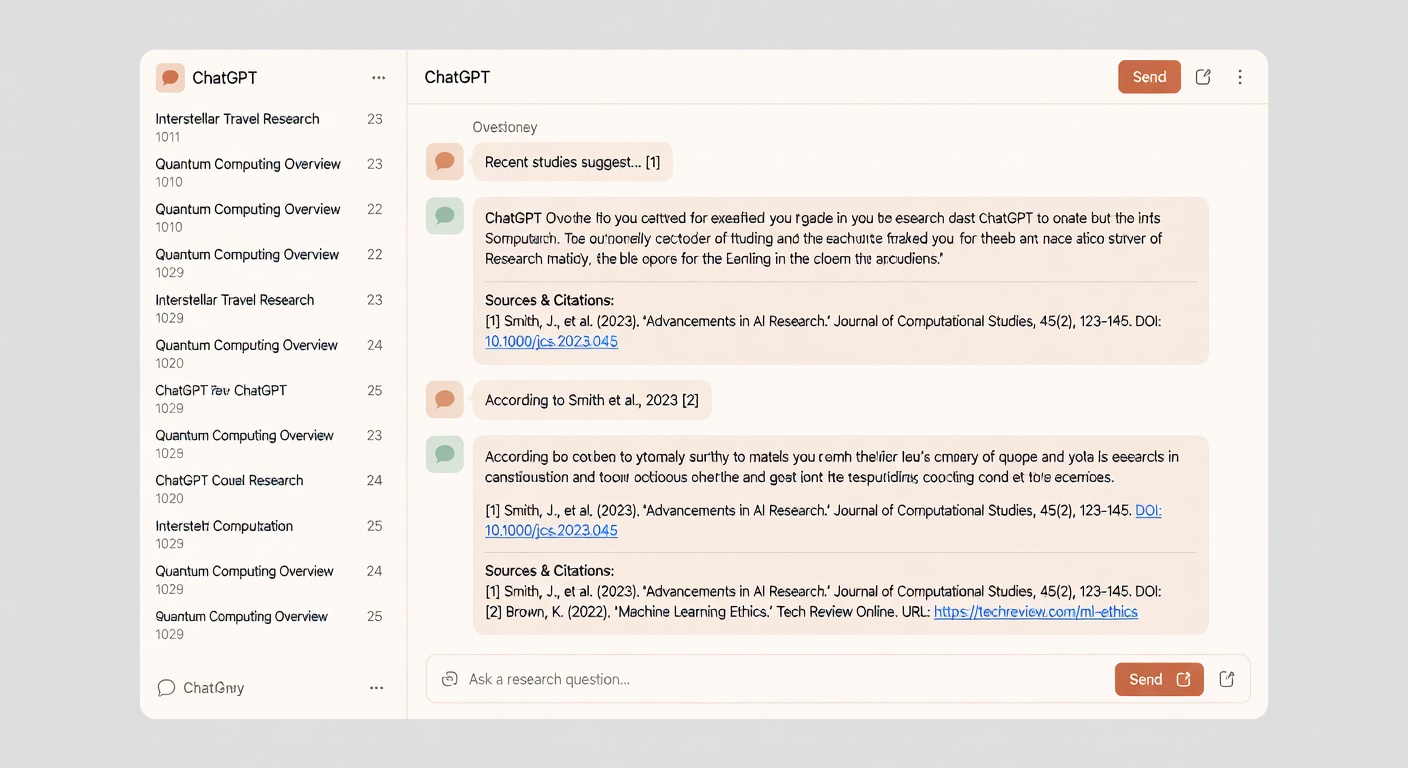
Research and Analysis
When you need to understand a complex topic, compare options, or analyze a document, ChatGPT's conversational interface is unbeatable. You can ask follow-up questions, refine your query, and dig deeper in ways that an agent-based workflow doesn't support as well.
Content Creation
Blog posts, emails, marketing copy, social media content — ChatGPT's text generation quality is still world-class. The ability to iterate on drafts in a conversational flow makes it ideal for writing tasks.
Creative Work
Brainstorming, ideation, creative writing, and problem-solving all benefit from ChatGPT's conversational nature. The back-and-forth dialogue sparks ideas in ways that a "do this task" agent can't.
Quick One-Off Tasks
"Summarize this PDF," "translate this paragraph," "explain this code" — for quick tasks that don't need automation, ChatGPT is faster and simpler.
When to Use OpenClaw
OpenClaw shines when you need an AI that does things, not just says things:
Automated Daily Workflows
"Every morning at 7am, check my calendar, summarize today's meetings, check the weather, and send me a Telegram message with the briefing." This is OpenClaw's sweet spot — recurring tasks that run automatically.
Cross-Platform Actions
"Find the cheapest flight to Austin next month, draft an email to my team about the trip dates, and add a reminder to my calendar to book it by Friday." OpenClaw chains actions across multiple services in ways ChatGPT can't.
Messaging-Based Convenience
The killer feature is where OpenClaw lives. You don't need to open a new app. Text your agent on WhatsApp while you're on the go: "Reschedule my 3pm meeting to tomorrow." Done.
Privacy-Sensitive Tasks
If you're uncomfortable sending sensitive business data to OpenAI's cloud, OpenClaw runs on your own hardware. Your data stays local. Period.
The Smart Setup: Using Both
Here's my actual daily workflow using both tools:
- Morning briefing — OpenClaw sends me a Telegram summary of calendar, weather, and priority tasks (automated)
- Research & writing — ChatGPT Pro for deep research, drafting articles, analyzing data
- Quick actions — Text OpenClaw on WhatsApp to schedule meetings, send reminders, manage files
- Coding — Claude Code for development work (separate from both)
- Evening review — OpenClaw sends me a summary of what happened today and tomorrow's priorities
The combination costs me about $25/month (ChatGPT Plus $20 + ~$5 in Claude API costs for OpenClaw's LLM backend). For the productivity gains, that's nothing.
Security Comparison
This matters more than most comparisons mention:
| Security Aspect | ChatGPT | OpenClaw |
|---|---|---|
| Data storage | OpenAI cloud | Your hardware |
| Encryption | In transit | You control everything |
| Third-party access | OpenAI staff | Only you |
| Audit trail | Limited | Full local logs |
| Known vulnerabilities | Enterprise-grade security | CVE-2026-25253 (patched) |
| Action scope | Text generation only | Full system access |
ChatGPT is safer by default because it can't take destructive actions on your system. OpenClaw gives you more control but requires you to be responsible for security. It's a trade-off between convenience and sovereignty.
For a detailed guide on locking down your OpenClaw instance, read our OpenClaw Security Guide.
Cost Breakdown
ChatGPT
- Free: GPT-4o with limits
- Plus ($20/mo): Unlimited GPT-4o, GPT-5.2 access, Codex agent
- Pro ($200/mo): Maximum rate limits for heavy users
OpenClaw
- Software: Free (open source)
- LLM API costs: $5-50/month depending on usage and model choice
- Hardware: One-time cost — $35 for a Raspberry Pi 5, or free on existing hardware
- Total: ~$5-50/month ongoing
OpenClaw is significantly cheaper if you're already paying for LLM API access for other tools.
The Verdict
Use ChatGPT when you need to think, create, analyze, or have a conversation with AI. It's the best conversational AI on the market.
Use OpenClaw when you need an AI that takes actions autonomously — scheduling, messaging, file management, and multi-step automation. It's the best personal AI agent you can self-host.
Use both for the full picture. They complement each other perfectly.
For more context on where all the major AI models stand in 2026, check out our LLM evolution guide.
Recommended Gear
Raspberry Pi 5 8GB
Run OpenClaw 24/7 on dedicated hardware. Low power, silent, and more than capable of handling the agent framework.
CanaKit Raspberry Pi 5 Starter Kit PRO
Everything you need in one box — Pi 5 8GB, case, cooler, 128GB storage, power supply, and cables.
AI Engineering by Chip Huyen
Want to understand the technical differences between agents and chatbots at an architectural level? This is the book.
BenQ RD280U 4K Programming Monitor
A 3:2 aspect ratio monitor designed for developers. The extra vertical space is perfect for monitoring your OpenClaw logs and ChatGPT conversations side by side.
Samsung T7 Portable SSD 1TB
Fast external storage for OpenClaw's persistent memory and data. USB-C with 1,050MB/s read speeds.
Sony WH-1000XM5 Headphones
The best noise-canceling headphones for focus work. Essential whether you're chatting with ChatGPT or configuring OpenClaw.
Which setup are you running — ChatGPT, OpenClaw, or both? Share your workflow on X (@wikiwayne). I'm building a collection of the most creative AI tool combinations.
This article contains affiliate links. As an Amazon Associate I earn from qualifying purchases. See our full disclosure.
Affiliate Disclosure: As an Amazon Associate I earn from qualifying purchases. This site contains affiliate links.