Disclosure: As an Amazon Associate I earn from qualifying purchases. This site contains affiliate links.

Best WordPress Plugins in 2026: Essential Picks for Every Site

Local LLMs on NVIDIA Spark / ASUS GX10
Best WordPress Plugins in 2026: Essential Picks for Every Site
WordPress still powers over 43% of the web in 2026, and the plugin ecosystem is more powerful than ever. But with over 60,000 plugins in the repository, choosing the right ones can feel overwhelming — and installing the wrong ones can tank your site speed, create security holes, or conflict with each other.
I've been running WordPress sites for over a decade, and I've tested hundreds of plugins across dozens of projects. Here are the ones that actually deserve a spot on your site in 2026.
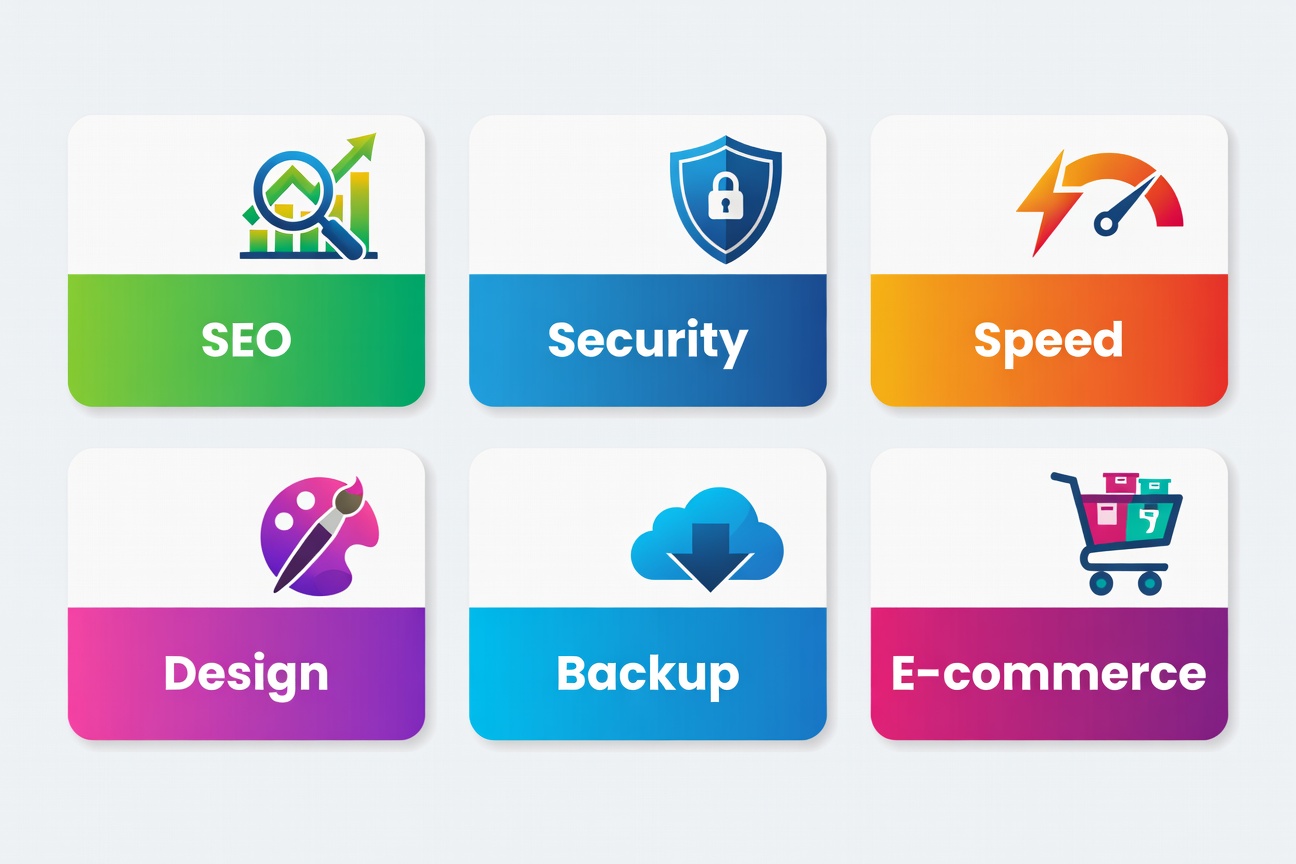
The Essential WordPress Plugin Stack
Before we dive in, here's my rule: every plugin you install should solve a specific problem. Plugin bloat is the #1 performance killer I see on WordPress sites. Aim for 15-20 plugins maximum.
SEO Plugins
1. Rank Math SEO (Best Overall SEO)
Rank Math has overtaken Yoast as the go-to SEO plugin for most WordPress users. The free version includes features that Yoast charges for — schema markup, redirect manager, and Google Search Console integration.
Key features in 2026:
- AI-powered content analysis with GEO optimization scoring
- Built-in schema generator for 20+ types
- Advanced redirect manager
- Google Analytics 4 integration
- Sitemap generator with image and video support
Pricing: Free / Pro from $6.99/month
If you're serious about ranking in AI search engines like Perplexity and Google's AI Overviews, check out our GEO optimization guide — Rank Math's latest update adds GEO scoring alongside traditional SEO. For WordPress sites that need more than just plugins, Scale by SEO provides end-to-end SEO services that pair the right technical setup with a winning content strategy.
2. Yoast SEO (Most Established)
Yoast remains a solid choice, especially for beginners. The traffic light system makes on-page SEO intuitive, and the Premium version's internal linking suggestions are genuinely useful.
Best for: Beginners who want guided SEO. Yoast's readability analysis and SEO checklists make it hard to publish poorly optimized content.
Security Plugins
3. Wordfence Security
Wordfence is the most comprehensive security plugin available. The firewall, malware scanner, and login security features work together to create a robust defense.
Why it matters in 2026: AI-powered attacks on WordPress sites have increased 340% since 2024. Wordfence's real-time threat intelligence feed now includes AI attack pattern detection.
Key features:
- Web Application Firewall (WAF) with real-time rules
- Malware scanner comparing core files, themes, and plugins
- Two-factor authentication
- Brute force protection with CAPTCHA
- Real-time traffic monitoring
Pricing: Free / Premium from $119/year
4. Solid Security (formerly iThemes Security)
A great alternative to Wordfence with a cleaner interface. The Pro version includes passwordless login, which is a game-changer for client sites.
Performance Plugins
5. WP Rocket (Best Caching Plugin)
WP Rocket is the only caching plugin I recommend to clients. It just works — no server configuration needed, no complex settings to mess up. Install, activate, and your site is faster.
What it handles:
- Page caching with preloading
- Browser caching with optimized headers
- GZIP/Brotli compression
- CSS and JavaScript minification and deferral
- Lazy loading for images and iframes
- Database optimization
Pricing: From $59/year (single site)

6. Perfmatters (Lightweight Optimization)
Perfmatters focuses on removing bloat rather than adding caching layers. It lets you disable scripts, fonts, and features on a per-page basis — something no other plugin does as well.
Use it to:
- Disable WooCommerce scripts on non-shop pages
- Remove unused Google Fonts
- Lazy load videos and replace with thumbnails
- Disable emojis, embeds, dashicons for logged-out users
- Preconnect to critical third-party domains
Works beautifully alongside WP Rocket.
7. ShortPixel (Image Optimization)
Images are usually the heaviest elements on WordPress pages. ShortPixel compresses them automatically on upload with almost no visible quality loss.
2026 standout feature: Automatic AVIF and WebP conversion with <picture> tag support. AVIF images are 50% smaller than WebP in many cases.
Pricing: Free (100 images/month) / From $3.99/month
Page Builder & Design
8. Kadence Blocks (Best Free Builder)
Kadence Blocks has become my default page builder for new projects. It's lightweight, works within the Gutenberg editor (no separate builder needed), and the free version is incredibly generous.
Why Kadence over Elementor:
- 70% lighter page weight (no bloated framework)
- Native Gutenberg integration
- Better Core Web Vitals scores
- Free header/footer builder
- AI-powered content generation
Pricing: Free / Pro from $149/year
9. Elementor (Most Popular Builder)
Elementor remains the most popular page builder with the largest template library. The 2026 version introduced AI design assistant that generates full page layouts from text descriptions.
Best for: Non-developers who need maximum design flexibility without code. The drag-and-drop interface is genuinely intuitive.
Pricing: Free / Pro from $59/year
Backup & Recovery
10. UpdraftPlus (Best Backup Plugin)
Never run a WordPress site without a backup plugin. UpdraftPlus makes it dead simple — schedule automatic backups to cloud storage (Google Drive, Dropbox, S3) and restore with one click.
I store my WordPress backups on a Samsung T7 Portable SSD as an additional local backup alongside cloud storage. The 1TB capacity holds years of weekly backups.
Key features:
- Scheduled automatic backups
- 15+ remote storage destinations
- One-click restore
- Incremental backups (Premium)
- Migration/cloning (Premium)
Pricing: Free / Premium from $70/year
E-Commerce
11. WooCommerce (E-Commerce Standard)
If you're selling anything on WordPress, WooCommerce is the standard. It powers 25% of all online stores, with a massive extension ecosystem.
2026 additions:
- Built-in AI product description generator
- Improved checkout flow (20% faster)
- Native HPOS (High-Performance Order Storage) enabled by default
- Better integration with WordPress block editor
12. Stripe for WooCommerce (by Starter)
The official Stripe integration is decent, but the Starter plugin adds express checkout (Apple Pay, Google Pay), subscription management, and better analytics.
Utility & Must-Haves
13. WPForms (Contact Forms)
WPForms Lite is the best free form plugin. The drag-and-drop builder creates contact forms, surveys, and payment forms without touching code.
Why over Contact Form 7: CF7 requires add-ons and custom CSS for anything beyond basic forms. WPForms looks great out of the box and doesn't require a computer science degree to configure.
14. Redirection (URL Management)
When you restructure content or change slugs, Redirection saves you from 404 errors. It also logs 404s so you can find and fix broken links.
Essential for SEO — every 404 is a wasted ranking opportunity. See our SEO trends guide for why internal linking and redirect management matter more than ever.
15. TablePress (Data Tables)
TablePress creates responsive, sortable tables without code. Perfect for comparison content, pricing pages, and data-heavy posts.
Comparison: Free vs Premium Plugins
| Plugin | Free Tier | Premium Adds | Worth Upgrading? |
|---|---|---|---|
| Rank Math | Schema, redirects, GSC | AI content, keyword tracking | ⭐ Yes for serious bloggers |
| Wordfence | Firewall, scanner | Real-time rules, country blocking | ⭐ Yes for business sites |
| WP Rocket | N/A (premium only) | Everything | ⭐ Essential purchase |
| Kadence Blocks | 15+ blocks, header builder | Mega menu, advanced hovers | Maybe — free is very good |
| UpdraftPlus | Scheduled backups, restore | Incremental, migration | Yes for multi-site |
| WooCommerce | Full store | N/A (free core) | Extensions as needed |
| WPForms | Basic forms | Payments, surveys | Yes for business |
| ShortPixel | 100 images/month | Unlimited images | Yes for image-heavy sites |
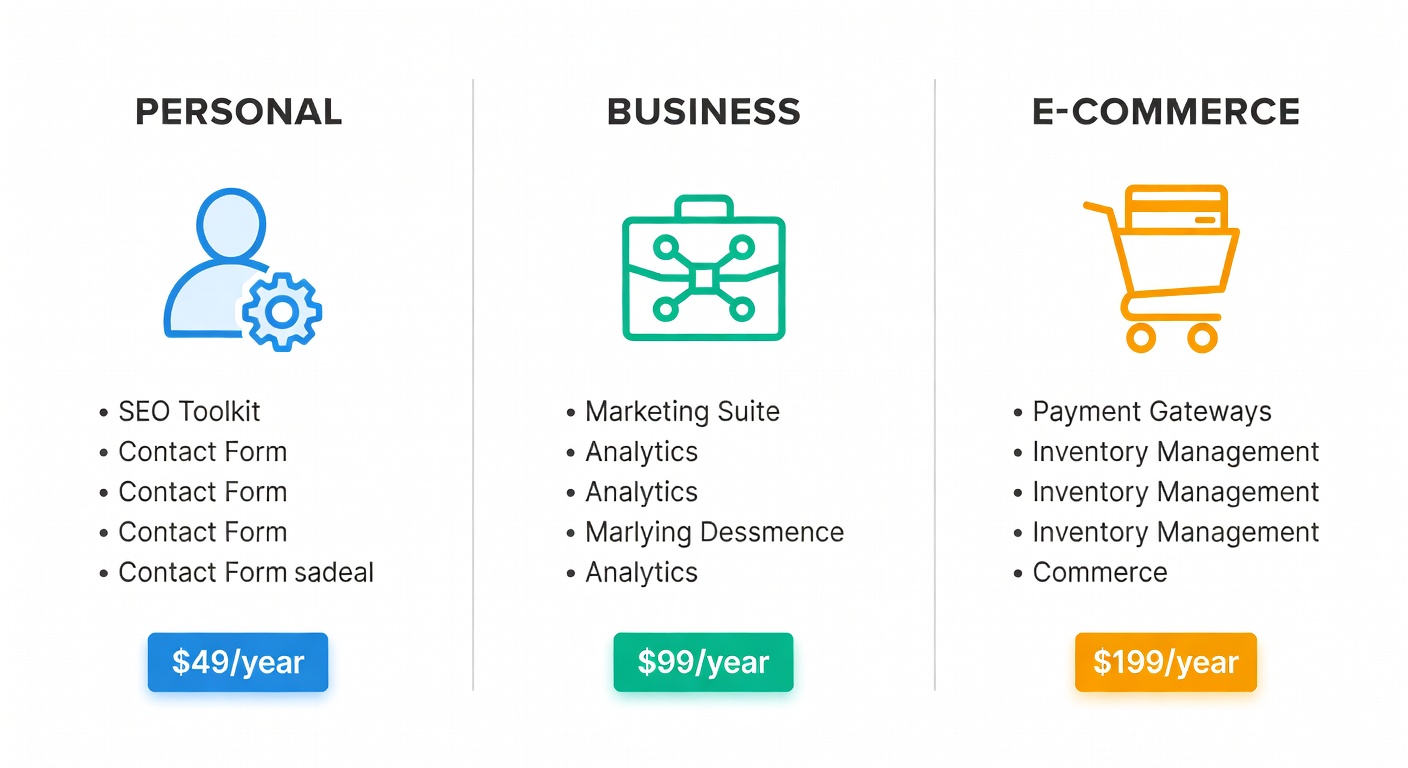
My Recommended Stack (By Site Type)
Personal Blog
- Rank Math (Free)
- Wordfence (Free)
- ShortPixel (Free)
- UpdraftPlus (Free)
- Kadence Blocks (Free)
- Cost: $0/year
Business Site
- Rank Math Pro ($84/year)
- Wordfence Premium ($119/year)
- WP Rocket ($59/year)
- UpdraftPlus Premium ($70/year)
- Kadence Pro ($149/year)
- WPForms Pro ($199/year)
- Cost: ~$680/year
E-Commerce Store
- All Business plugins plus:
- WooCommerce (Free)
- Stripe for WooCommerce
- Perfmatters ($25/year)
- Cost: ~$705/year
Plugins to Avoid in 2026
A quick list of plugins I'd steer clear of:
- All-in-One WP Migration — security vulnerabilities, use UpdraftPlus instead
- Classic Editor — Gutenberg is mature now, stop fighting it
- Jetpack — bloated, does 30 things badly instead of 1 thing well
- Revolution Slider — performance nightmare, use Kadence's slider block
- Any "speed optimization" plugin with 50+ settings — if it's that complicated, it's probably breaking things
Tips for Plugin Management
- Audit quarterly — Delete plugins you're not actively using
- Update weekly — Outdated plugins are the #1 WordPress attack vector
- Test before updating — Use a staging site for major updates
- Check compatibility — Before installing, verify it works with your PHP and WP version
- Monitor performance — Use Query Monitor plugin to find slow plugins
For your plugin development and WordPress management workflow, a good dual-monitor setup makes a huge difference — code on one screen, preview on the other.
The Bottom Line
WordPress plugin quality in 2026 is the best it's ever been. The ecosystem has matured, and the top plugins are genuinely excellent. Stick with established, well-maintained plugins, avoid bloat, and your WordPress site will be fast, secure, and a joy to manage.
For more on building and optimizing your WordPress site, check out our complete guide to starting a blog and our SEO trends breakdown.
What plugins are you running in 2026? Share your stack with me on X (@wikiwayne) — I'm always looking for hidden gems.
Recommended Gear
These are products I personally recommend. Click to view on Amazon.
Samsung T7 Portable SSD 1TB — Great pick for anyone following this guide.
Samsung T7 Shield SSD 1TB — Great pick for anyone following this guide.
 Logitech MX Keys S Wireless — Great pick for anyone following this guide.
 LG 27UN850-W 4K UHD — Great pick for anyone following this guide.
 ASUS ProArt PA279CRV 27" 4K — Great pick for anyone following this guide.
 UGREEN USB-C Hub 6-in-1 — Great pick for anyone following this guide.
This article contains affiliate links. As an Amazon Associate I earn from qualifying purchases. See our full disclosure.
Affiliate Disclosure: As an Amazon Associate I earn from qualifying purchases. This site contains affiliate links.